Log in



Microsoft seems to be quietly building a new canvas-style workspace for Copilot, and leaked screenshots suggest that it is a full-fledged AI-powered whiteboard.
As posted on X by Windows enthusiast WalkingCat, the feature/app is internally referred to as “Project Firenze”. However, the leaked interface shows the name “Copilot Canvas”.
Copilot Canvas looks like a web-based environment where users can create and manage canvases, draw using digital ink tools, and interact with content in a freeform layout, much like the existing Microsoft Whiteboard app.
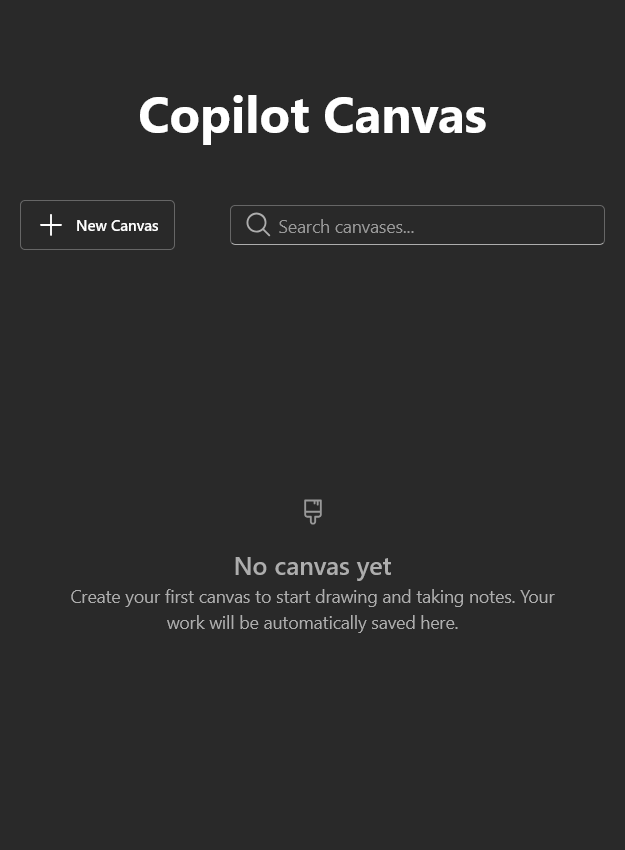
The landing screen shows a simple prompt to “Create your first canvas to start drawing and taking notes,” and just like the Microsoft Whiteboard app, Copilot Canvas can also automatically save your work.
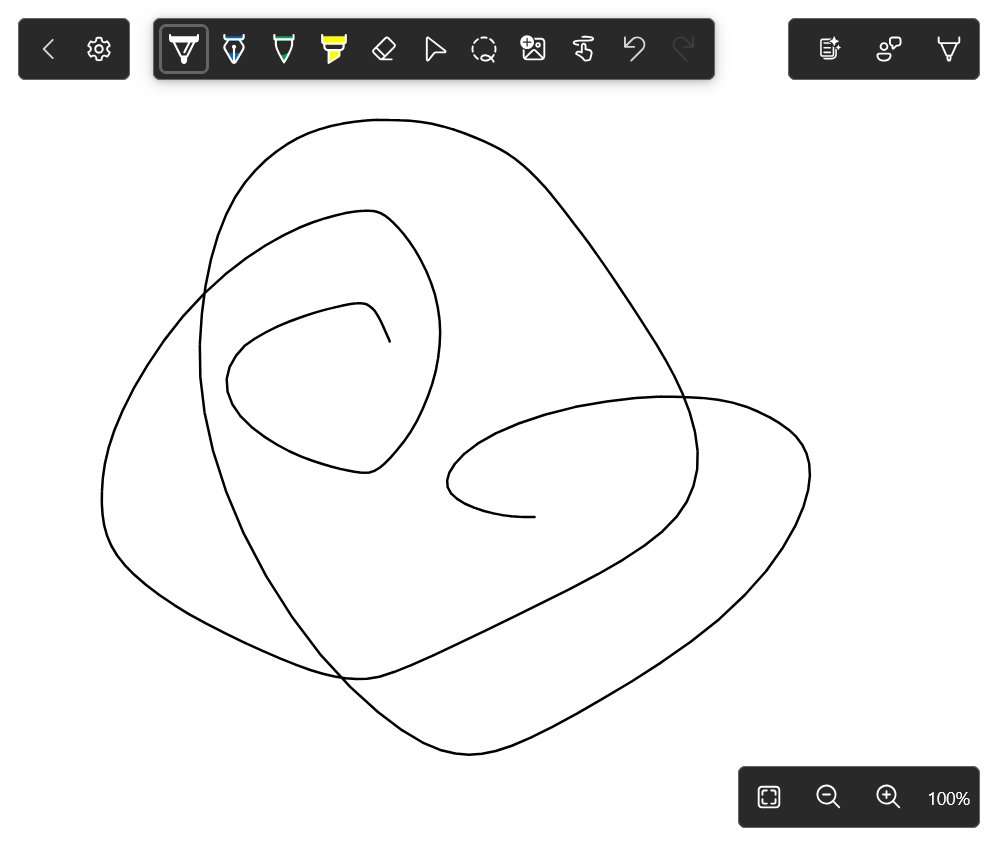
We found references to both development and production Azure endpoints, which suggests that the Copilot Whiteboard is being actively tested internally and isn’t a static mockup. You can also see a generic-looking logo, but we are not sure if this would be the final version.
Despite not getting any major updates recently, the Microsoft Whiteboard app is still a fully functional collaborative tool, so we can’t really tell if this is Microsoft replacing it with Copilot Canvas.
Copilot Canvas integrates AI image generation, streaming, and advanced feature controls
As expected, the Copilot Whiteboard will have AI as its number one differentiator when compared to the original Microsoft Whiteboard. There are several developer-style options that point to a system made for real-time AI interaction.
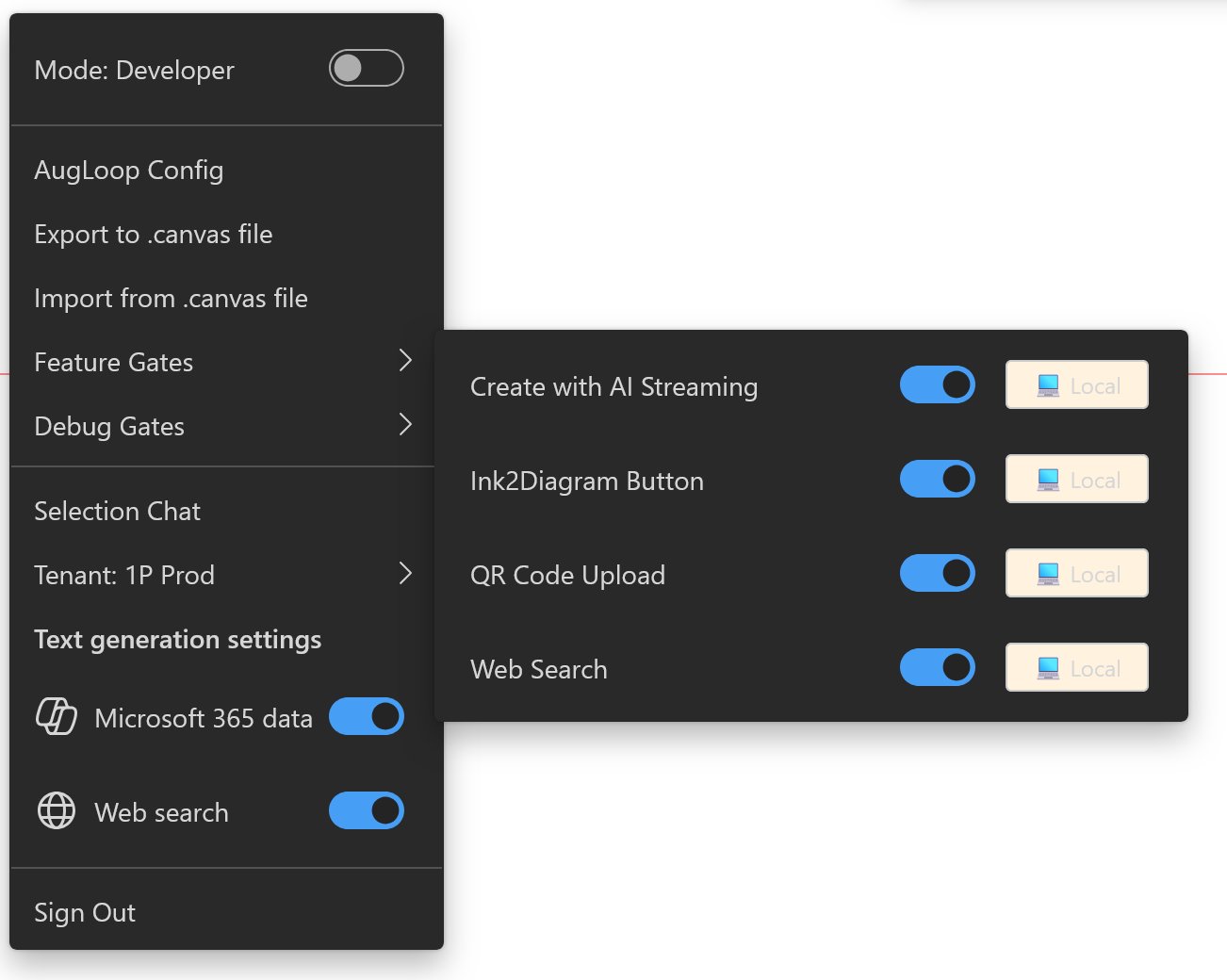
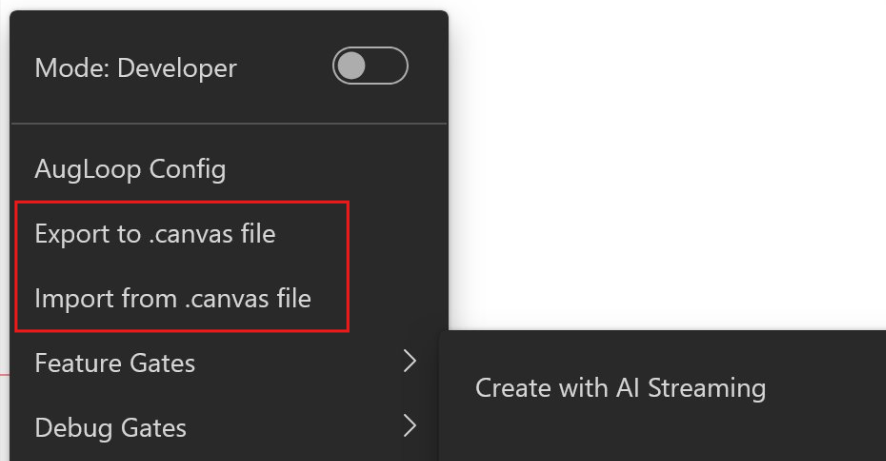
One of the most telling switches is labeled “Create with AI Streaming”, suggesting that the canvas may support live generative responses as you draw or type, instead of waiting for a completed prompt. Copilot Whiteboard may incrementally generate diagrams, layouts, or visual elements while you are still working, which could be like brainstorming with an assistant that updates the board alongside you.
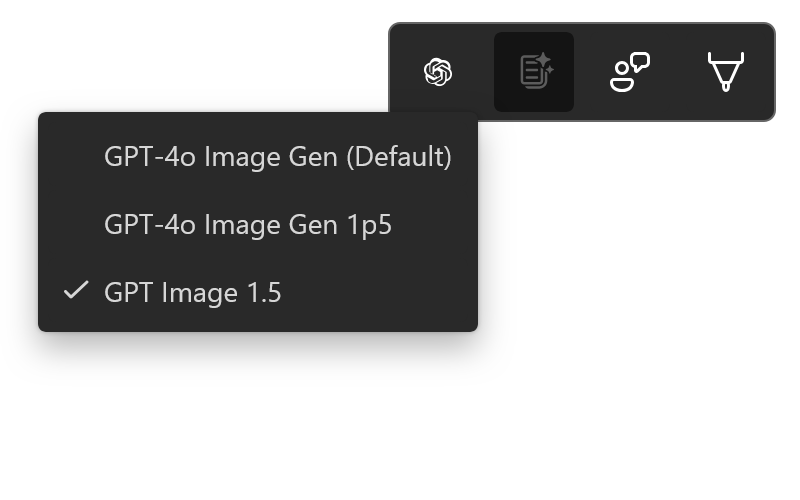
Another menu shows an Image Model Selector with options such as GPT-4o Image Gen (Default), GPT-4o Image Gen 1p5, and GPT Image 1.5, which aren’t exactly the latest models. But the sheer presence of multiple selectable models shows that Copilot Canvas can handle multimodal generation directly inside the workspace.
Auto-Naming for canvas titles could be a good feature for collaborative work during or just after a meeting. Copilot Whiteboard may be able to analyze the content of a board and generate a meaningful name automatically.
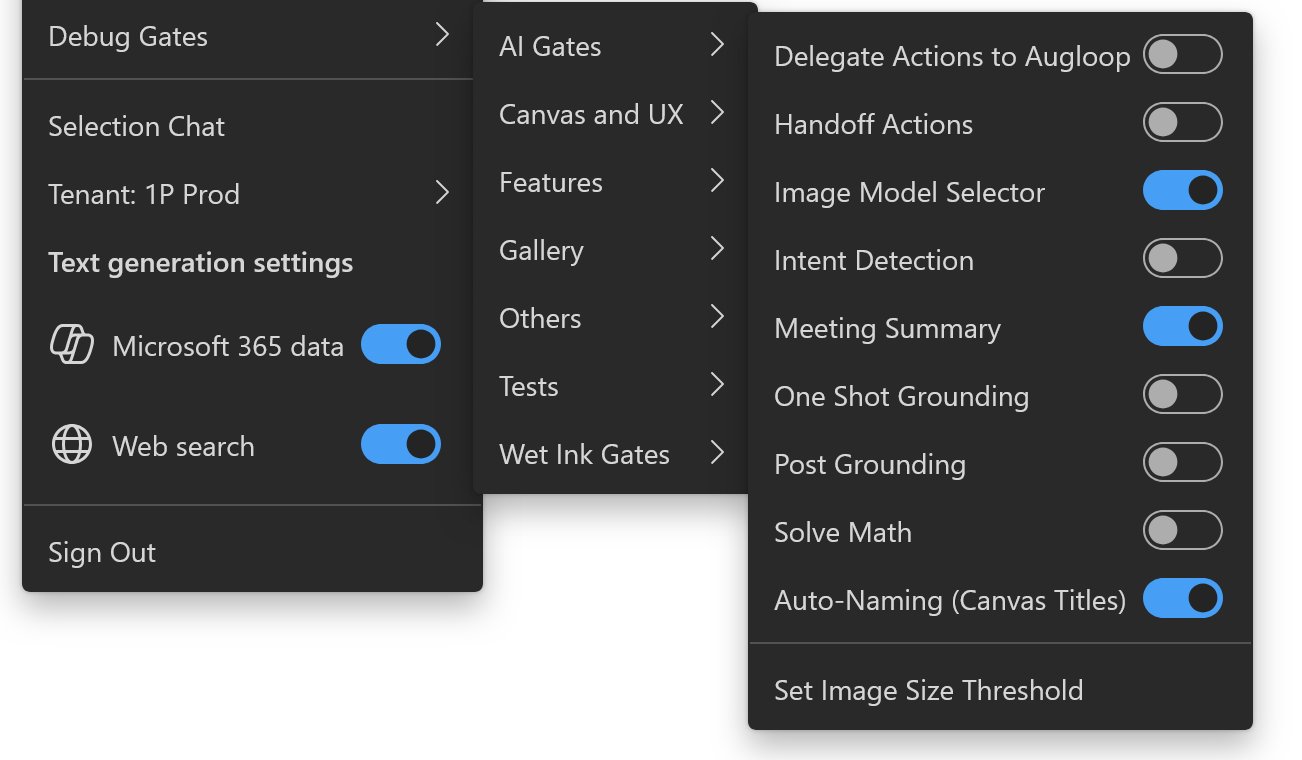
The Copilot Canvas app also reveals a long list of AI-related configuration panels under Developer Mode, including Debug Gates, AI Gates, Meeting Summary, One Shot Grounding, Post Grounding, Intent Detection, Solve Math, Delegate Actions to AugLoop, and Handoff Actions.
These are not typical whiteboard features. They look like the plumbing for agent-style behaviors where the AI can reason over content, summarize discussions, interpret intent, and potentially trigger follow-up actions, all of which sounds right up Microsoft’s alley.
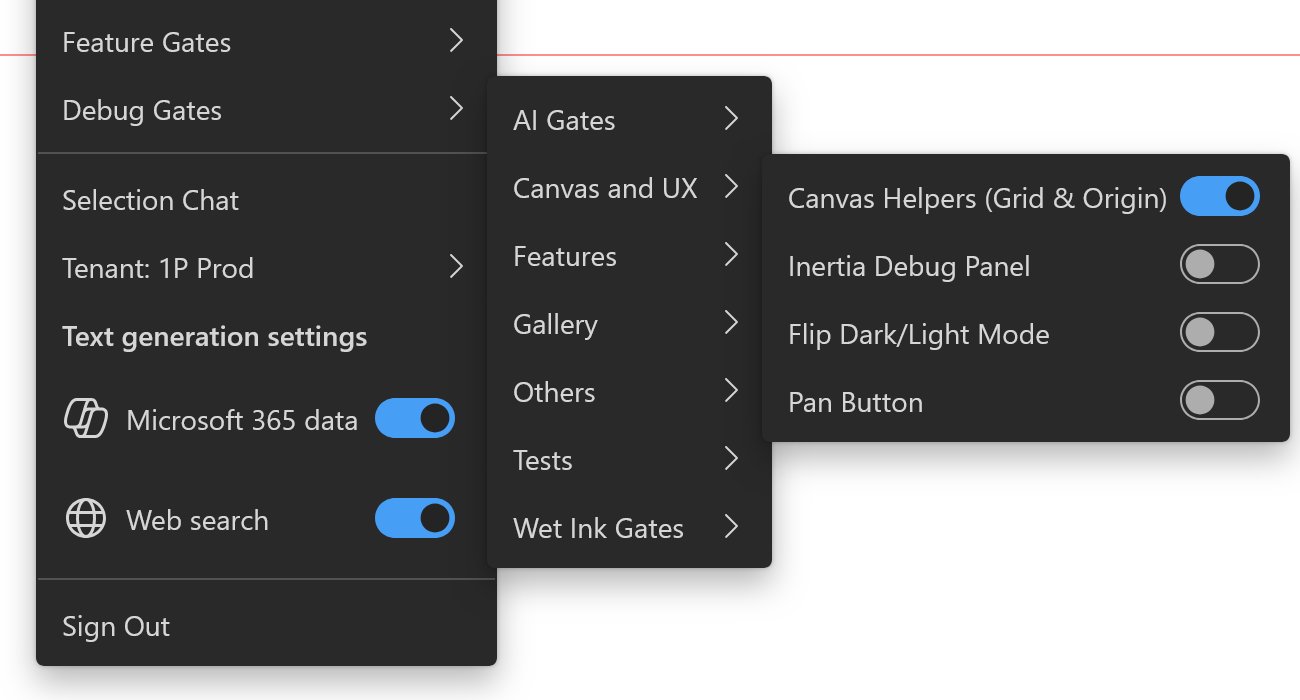
On top of that, toggles for Microsoft 365 data and Web search suggest the canvas can connect to organizational data and online context, bringing an enterprise’s database directly into Copilot Whiteboard.
Copilot Canvas could bring AI to help with brainstorming in Whiteboards
As of today, most interactions with AI still happen inside a chat box. Copilot Canvas may be something closer to a visual workspace where users can collaborate, map, and execute ideas, with some help from Copilot, of course.
Although modern canvas-style apps like Notion’s visual pages, FigJam, Miro, and even Canva’s Whiteboards exist, Microsoft could be in a unique position to bring AI into the Whiteboards environment, given that it has direct access to enterprises.
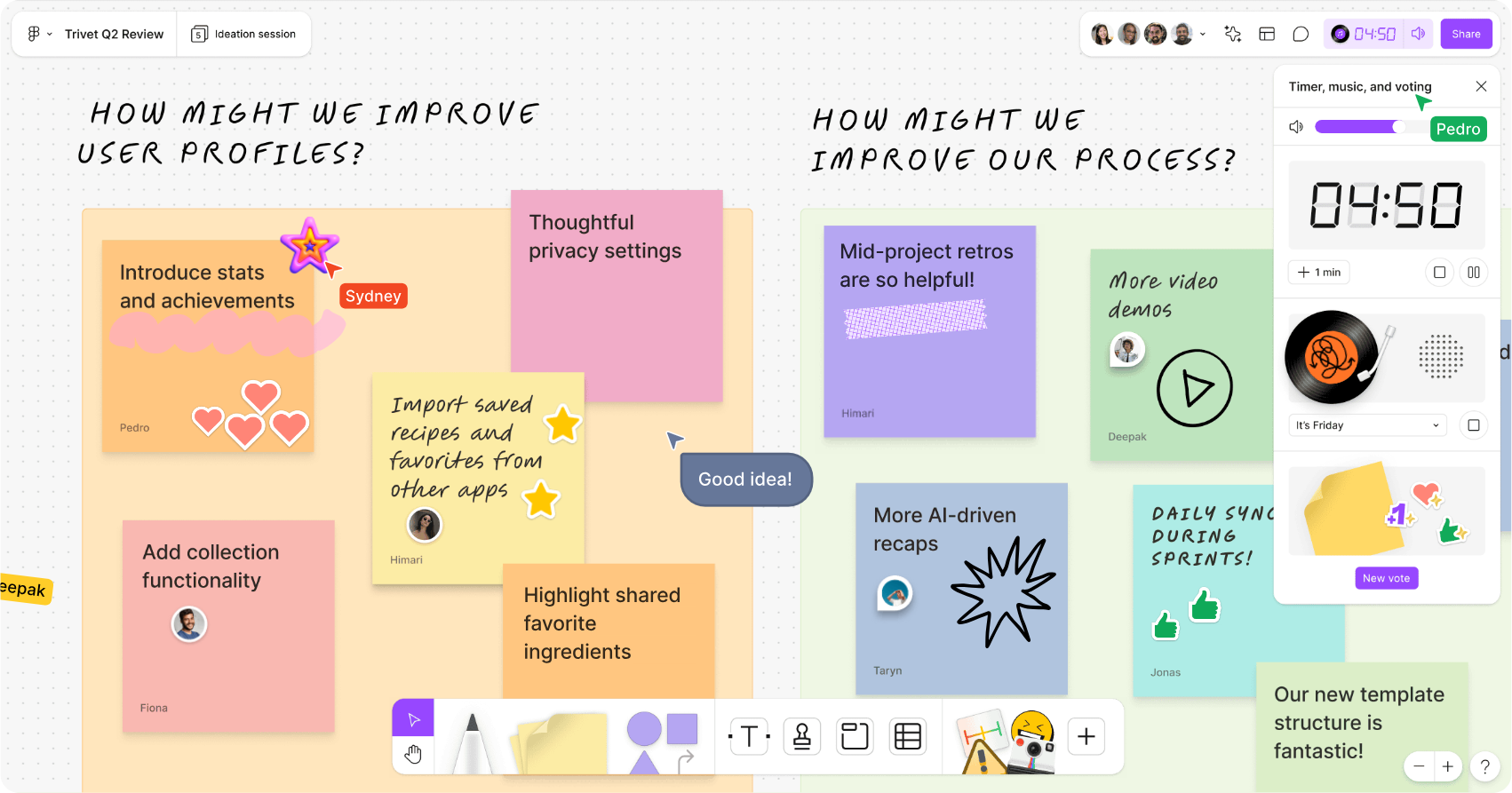
Copilot Whiteboard could open doors to workflows where teams can sketch, draft documents, generate images, summarize discussions, and trigger actions all in one place.
Microsoft may also be thinking about portable workspaces with Copilot Whiteboard, considering that there are options to export and import .canvas files, which could allow teams to share AI-assisted canvases the same way they share documents today.
That being said, everything about Project Firenze looks early. Developer toggles, feature gates, and internal endpoints point to something that is in testing, instead of something prepared for release.
Microsoft hasn’t made any public announcement about a possible replacement for Microsoft Whiteboard, or any roadmap for the same. We will update if and when Microsoft decides to make Cooilot Canvas official.
The post Microsoft Copilot Canvas leak reveals an AI-powered Whiteboard with image generation, AI streaming, and more appeared first on Windows Latest